What Lila does
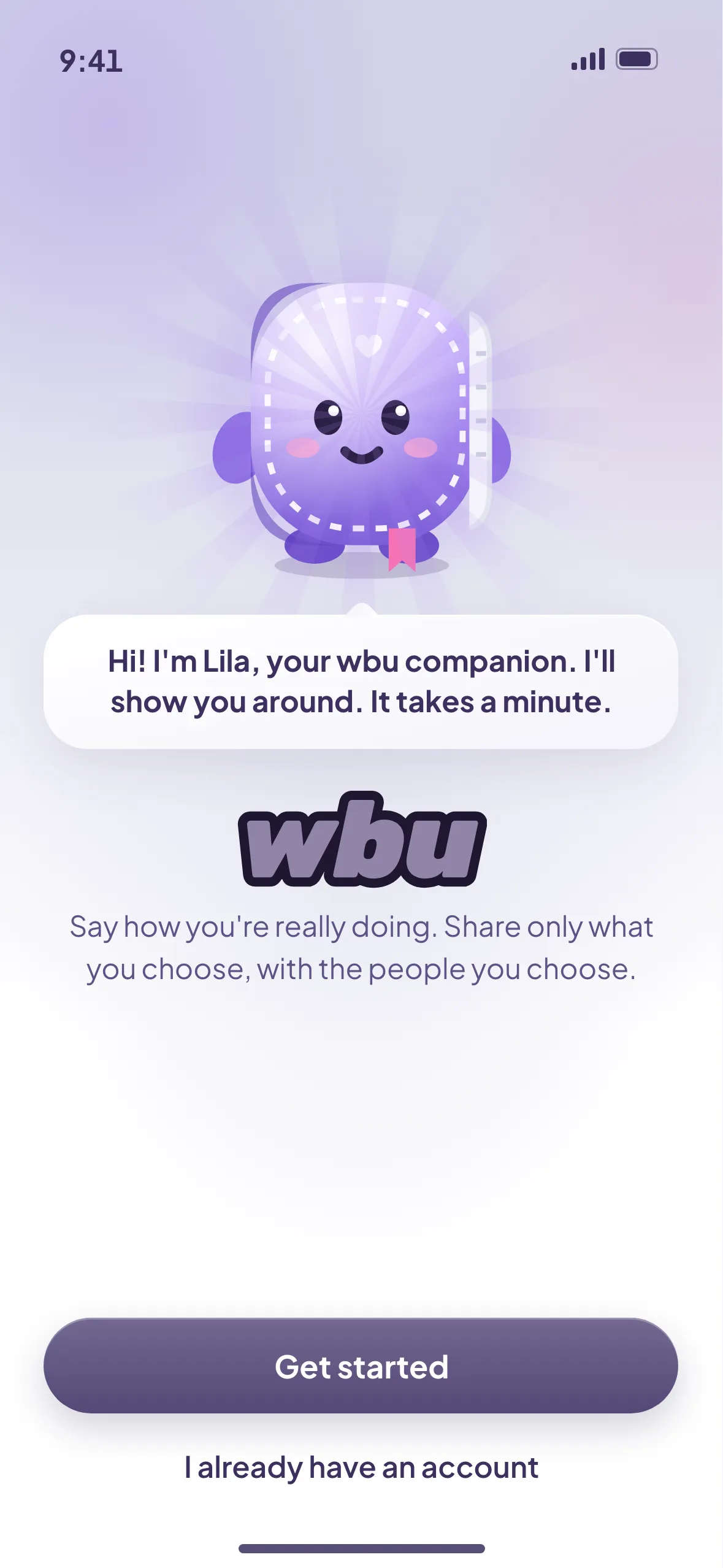
- Helps you start. She explains each screen in a line or two.
- Says hello. At most once a day, at the top of My Diary. You can turn the hello off, or turn Lila off.
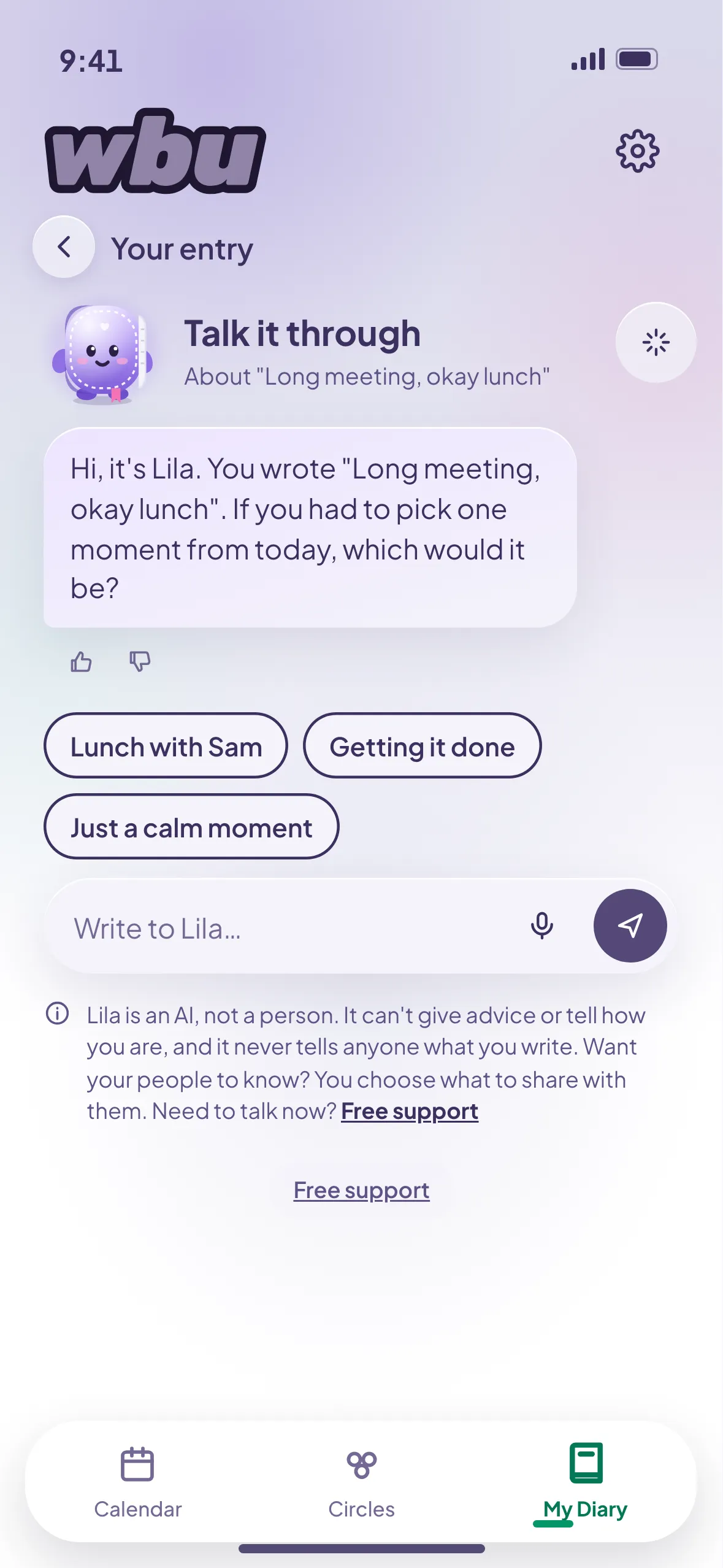
- Talks it through (Pro). Tap Lila to go a little deeper. She asks gentle questions, one at a time.
- Remembers only what you choose. Memory is off unless you turn it on. Then she keeps only what you tap "Remember this" on, and you can delete it any time.
- Points you to people. She might suggest telling a friend about a good moment. She never sends anything for you.
What Lila isn't
Lila isn't a person, a professional or an expert, and she doesn't give advice. She isn't for emergencies. She doesn't decide how you feel or tell anyone what you write. She isn't part of the "I'm not OK" screens.
Asked once
Before your first chat, wbu asks if you agree, on its own screen. It says what is sent (your entries and what you write to Lila, nothing from anyone else) and who runs it. You can say "Not now". Turning Lila off in Settings takes your agreement back. This is the same for 13 to 17 year olds. Privacy notice
Pro
Talk it through is part of wbu Pro. Lila's hello and her help getting started are free. See pricing